Shell & Exec
Interactive Shell
Open a shell inside a running component pod:
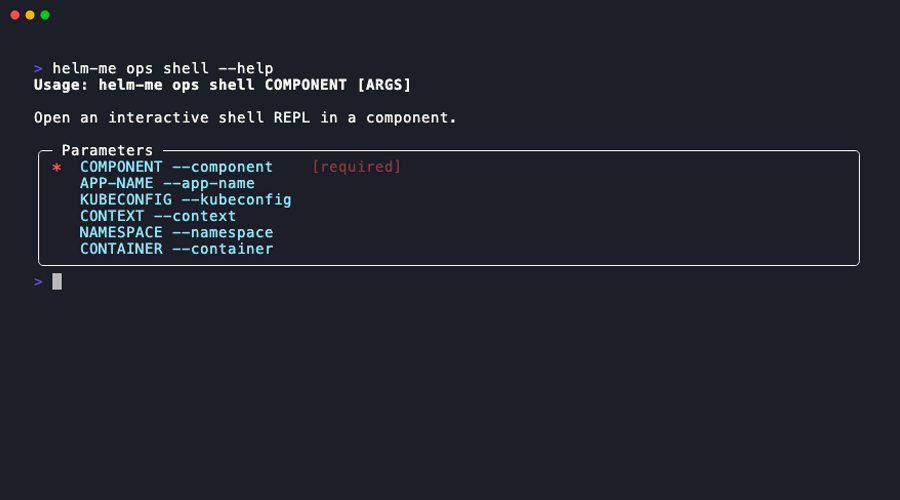
The shell REPL provides built-in commands:
| Command | Description |
|---|---|
!upload <local> <remote> |
Upload a file from your machine to the pod |
!download <remote> <local> |
Download a file from the pod to your machine |
!help |
Show available commands |
exit or Ctrl+D |
Exit the shell |
Example Session
$ helm-me ops shell backend
▸ Connected to backend-7d8f9c4b5-k2x9p
>>> ls /app
main.py  requirements.txt  data/
>>> cat /app/data/config.json
{"debug": false}
>>> !download /app/data/config.json ./config-backup.json
Downloaded config-backup.json
>>> exit
Run a Single Command
helm-me ops exec backend -- ls /app
helm-me ops exec backend -- python -c "import sys; print(sys.version)"
Target a Specific Pod
By default, shell and exec connect to the first available pod. To target a specific one: