Helm Chart Export
Export your app as a standard Helm chart for integration with existing Helm workflows.
Export
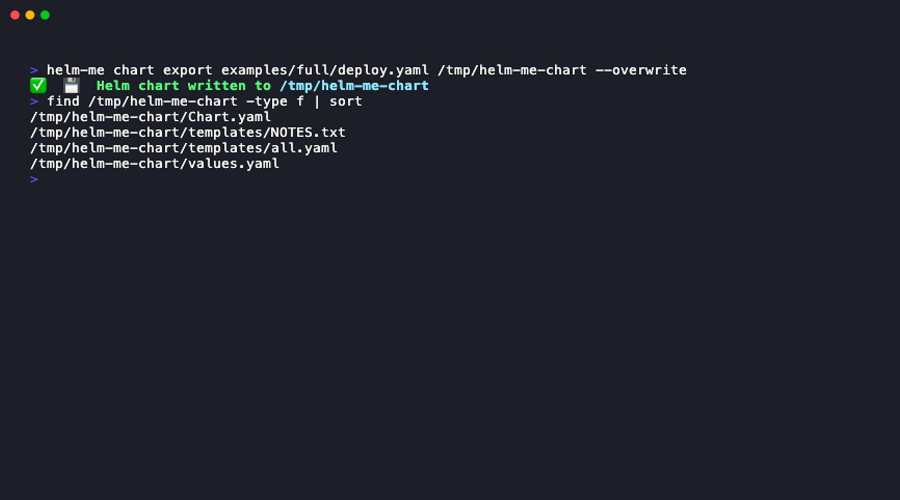
What Gets Generated
The export creates a valid Helm chart structure:
my-chart/
├── Chart.yaml (auto-generated metadata)
├── values.yaml (empty, as the chart is fully rendered)
├── values.yaml
└── templates/
    ├── deployment-backend.yaml
    ├── service-backend.yaml
    ├── deployment-frontend.yaml
    ├── service-frontend.yaml
    └── ingress.yaml
Overwrite an Existing Export
Use with Helm
Once exported, you can use standard Helm commands:
helm install my-app /tmp/my-chart --namespace production
helm upgrade my-app /tmp/my-chart --namespace production
helm template my-app /tmp/my-chart
Limitations
The exported chart is a snapshot of your helm-me spec at export time.
- No
values.yamlparameterization: The manifests are "hardcoded" with the values you had in your spec or env vars. - No conditionals: Helm
if/elsetemplating is not used.
When to Export
Use chart export when:
- You are handing off a prototype to a DevOps team that exclusively uses Helm or ArgoCD/Flux.
- You need to publish the app to a Helm repository for third-party consumption.
- You've outgrown helm-me and want to transition to fully maintaining a Helm chart yourself.