Your First App
This guide takes you from zero to a running app in under 5 minutes.
Prerequisites
Before you start, make sure you have:
- Python 3.11+ installed
kubectlinstalled- A working Kubeconfig (e.g., from
kind,minikube,k3d, or a remote cluster) - Cluster access configuration in your environment (
KUBECONFIGenv var or~/.kube/config)
1. Create a Spec
Create a file called deploy.yaml:
apiVersion: helm-me/v1alpha1
kind: Application
metadata:
  name: hello-app

components:
  backend:
    type: web
    image: traefik/whoami:latest
    port: 80
That's it. No templates, no values files, no Chart.yaml.
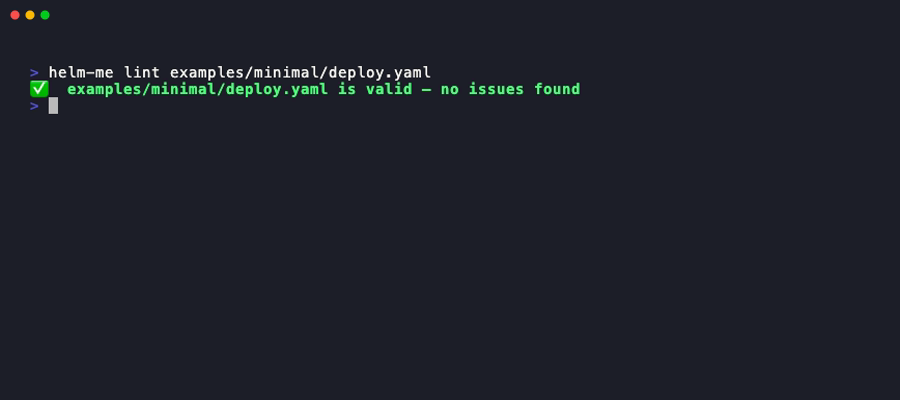
2. Validate
3. Preview the Manifests
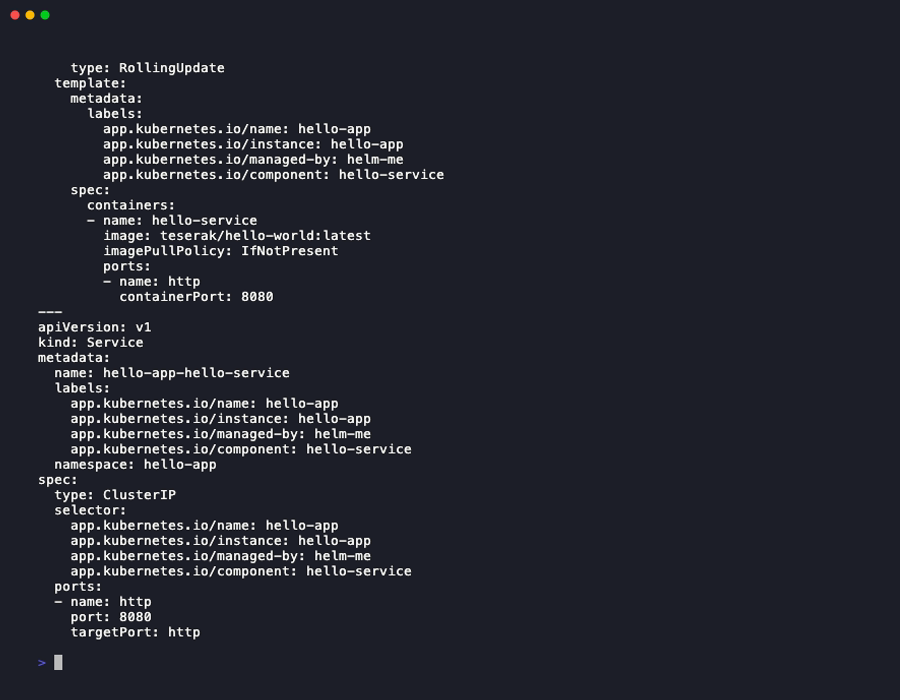
render prints the full Kubernetes YAML that helm-me would apply — Deployments, Services, Secrets, PVCs, Ingress — so you can inspect before deploying.
4. Deploy
Expected output
What happens:
- Manifests are rendered from the spec
- The namespace is created if needed
- Resources are applied to the cluster
- The deployment is saved to the local registry (
~/.helm-me/deployments/)
5. Check Status
6. Stream Logs
7. Set as Active App
Instead of passing the app name every time:
helm-me app use hello-app

# Now these work without specifying the app:
helm-me ops pods
helm-me ops logs backend
helm-me ops status
Troubleshooting First Deploy
No Kubernetes clusters found: Make sure yourKUBECONFIGenvironment variable is set or~/.kube/configexists.Forbidden: User cannot list resource...: Your active kube context doesn't have privileges to create namespaces or manage resources in the target namespace.- Pods are stuck in
ErrImagePull/ImagePullBackOff: If you are using a local dev cluster likekindorminikubewith a local image, make sure to load the image into the cluster first (e.g.kind load docker-image myapp:latest) and potentially usePullPolicy.NEVERorPullPolicy.IF_NOT_PRESENT.
Next Steps
- Python vs YAML — choose the right format
- Web Components — configure ports, replicas, environment
- Databases — add PostgreSQL and Redis